New Home Setup
- Network build
- Ethernet drops
- TV and device mounting
- Smart device pairing
- Walkthrough and testing
- Room-by-room configuration
Starting at $900
Connect
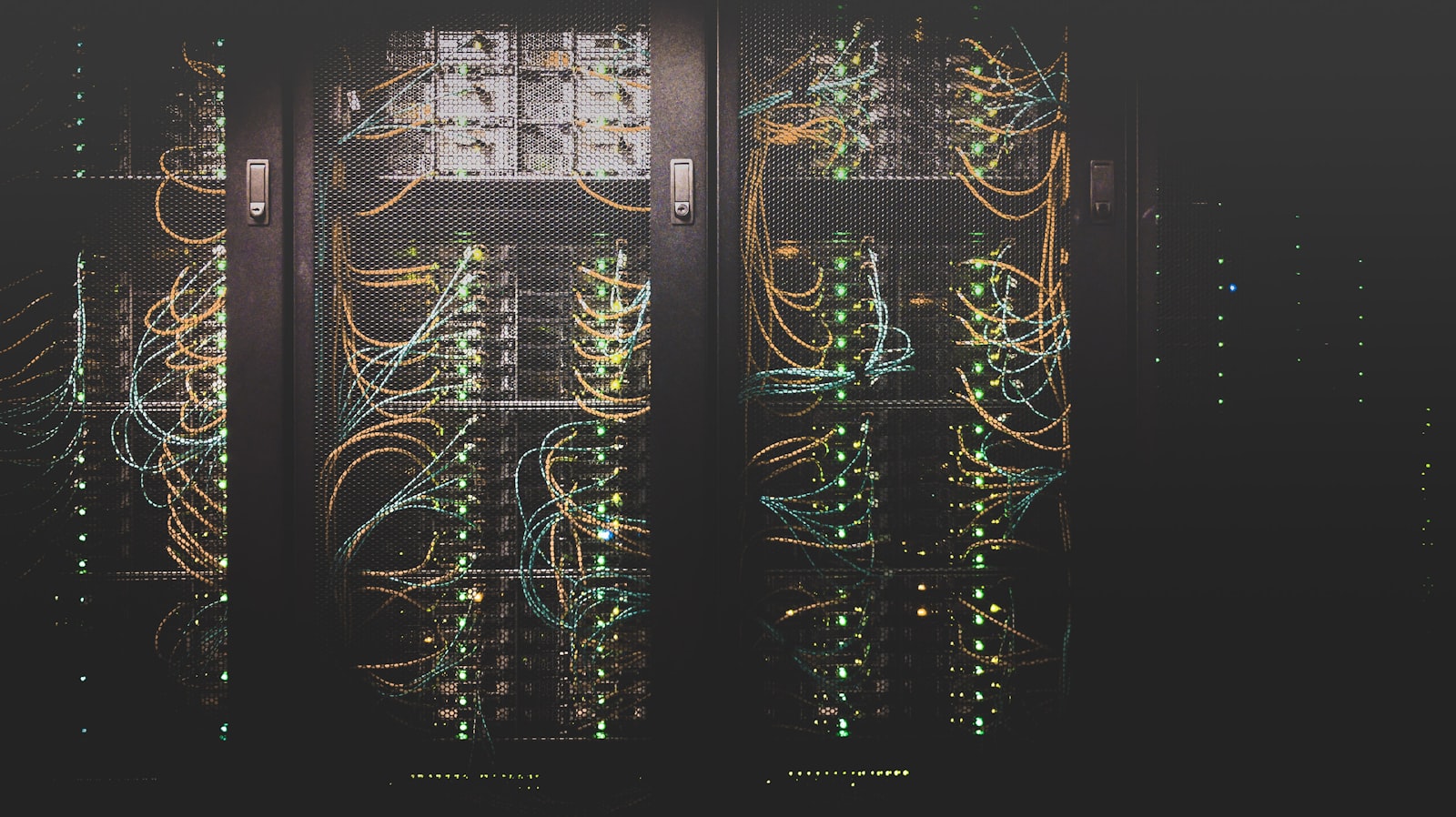
Ethernet drops, switches, and concealed Cat6 runs — the wired backbone of a whole-property setup, so cameras, desks, and access points stay fast without fighting WiFi.
We can help if
Starting at $900
What's included
Cabling details
Drop — A single cable run from your network equipment to one wall outlet.
Common questions
Yes. We look for existing paths first — closets, crawl space, attic — and conceal what we can. The assessment is where we show you the realistic options.
We conceal what we can and leave the finish as clean as the path allows. Patch and paint depends on the walls — we flag that during the assessment, before anything is scheduled.
Yes. New drops are part of a whole-property setup when access points, cameras, or desks need a wired run. We use existing paths first, then conceal what we can.
It depends on where access points, cameras, and desks actually sit. Many homes need a handful of well-placed runs rather than a drop in every room. The walkthrough is where we count them.