New Home Setup
- Network build
- Ethernet drops
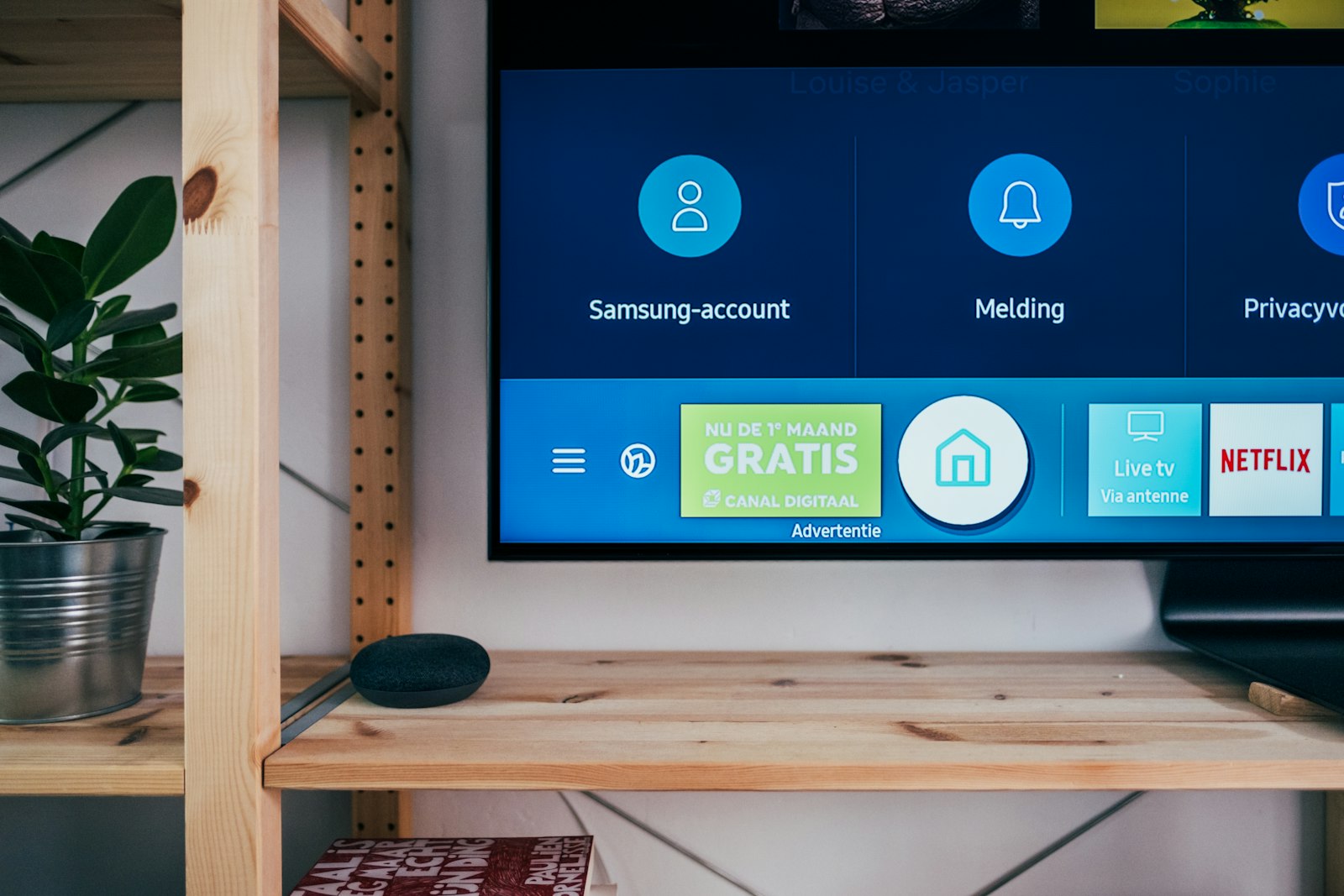
- TV and device mounting
- Smart device pairing
- Walkthrough and testing
- Room-by-room configuration
Starting at $900
Install
Mounting, cabling and configuration done cleanly, then tested with you before we call it finished.
We can help if
Starting at $900
What's included
Installation details
Drop — A single cable run from your network equipment to one wall outlet.
Common questions
A tune-up can be a couple of hours. Whole-home WiFi is often a half day. New-home and cabling work depends on the property — the assessment gives a realistic window before anything is scheduled.
Yes. We look for existing paths first — closets, crawl space, attic — and conceal what we can. The assessment is where we show you the realistic options.
We conceal what we can and leave the finish as clean as the path allows. Patch and paint depends on the walls — we flag that during the assessment, before anything is scheduled.
We start with what you already have. If something new is needed, we recommend it during the assessment and can supply or install what you buy.